UseLay conversational follow-up
Fast comments on live work, then at most one follow-up question.
What UseLay is
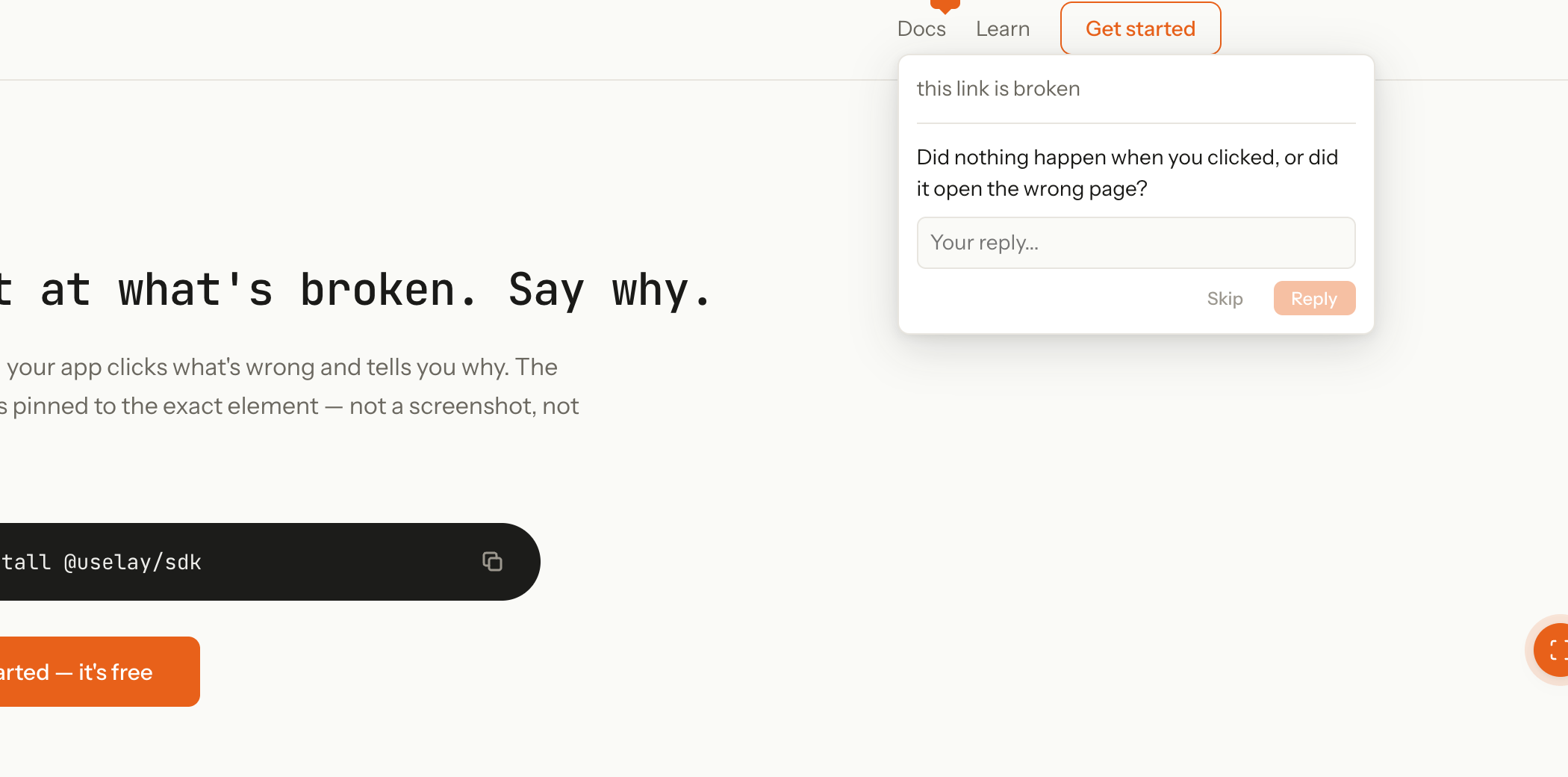
UseLay brings Figma-style commenting to live prototypes. Press a key, click the spot, leave a note. I built it when more designers started prototyping in code but lost the pin-and-comment flow that makes critique sessions work. Without it, teams slipped back to static files just to collect feedback.
My role
I founded UseLay to fix that gap. This case is a later product decision: one optional follow-up after someone leaves a comment, without turning the tool into a support chat.
Why this problem now
Pin-and-comment on live work solved the first problem. The next tension was depth. Sometimes the team needs one more detail before they can act on a note. A long form or a chat thread brings back the friction we were trying to remove.
The bet
Commenting should stay as fast as pinning on Figma. When the team needs a bit more signal, ask one question. Not a form. Not a chat.
Decisions
When to follow up
- Context
- Not every comment needs a follow-up. Ask on everything and the tool starts to feel like support chat.
- Rejected
- Always-on chat drawer. Multi-turn thread after submit.
- Shipped
- Ask only after someone submits. Only when the extra answer would change what the team does next.
- Why
- UseLay is for critique and capture, not a help desk.
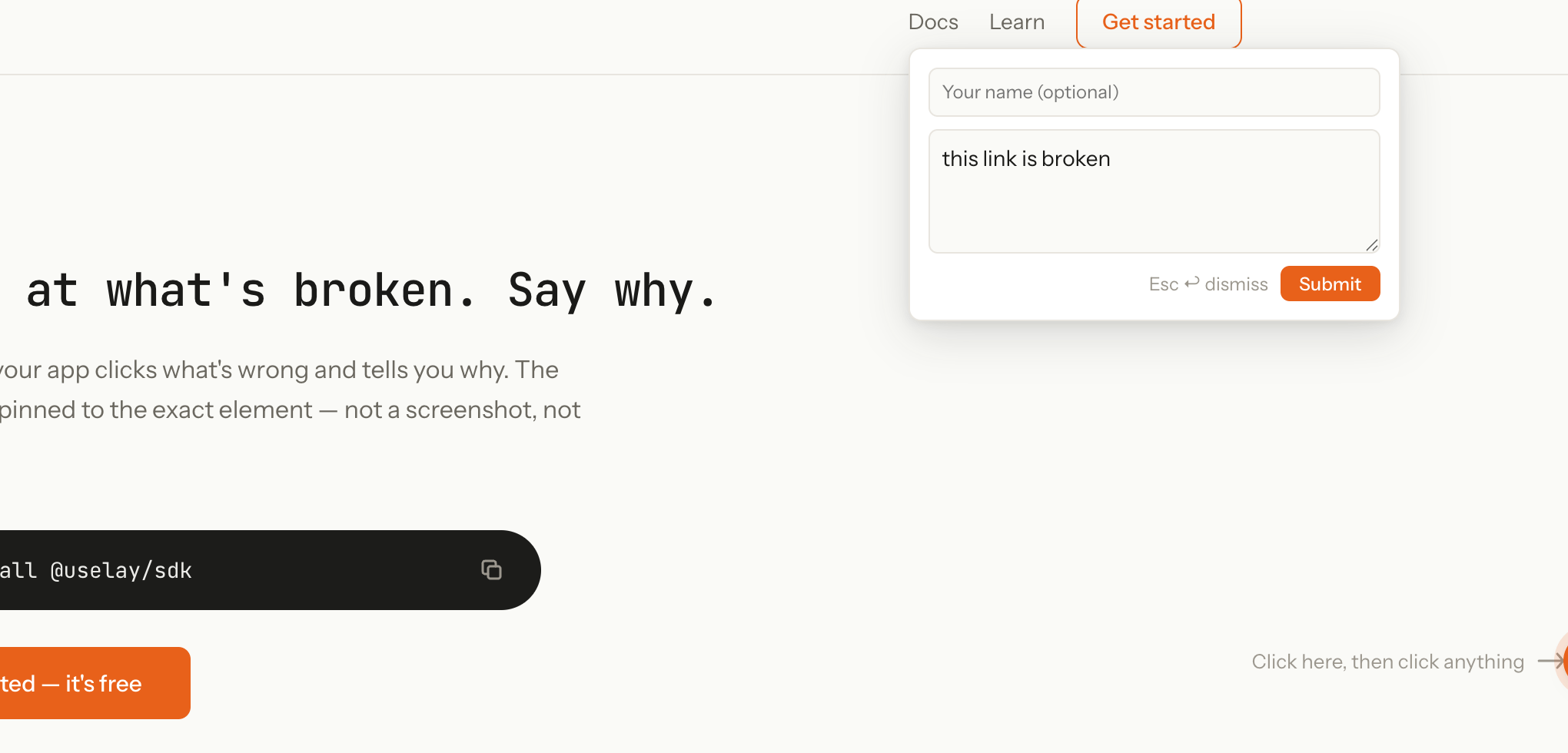
- Leave a comment in a few seconds.
- Follow-up comes only after submit.
What to ask
- Context
- A big empty text box after submit breaks the pace people liked in the first place.
- Rejected
- "Tell us more" textarea. Long AI-generated ramble.
- Shipped
- One short question. Tap an answer or skip. Pre-written options where we can.
- Why
- A tight question beats a clever paragraph for bug reports.
- One question, not a thread.
- Plain wording, not open-ended chat.
When to stop
- Context
- One good question can sharpen a report. Three questions turn the widget into Intercom.
- Rejected
- Thread that keeps going. "Anything else?" loops.
- Shipped
- Close after they answer or skip. No conversation history in the widget.
- Why
- People came to point, comment, and leave.
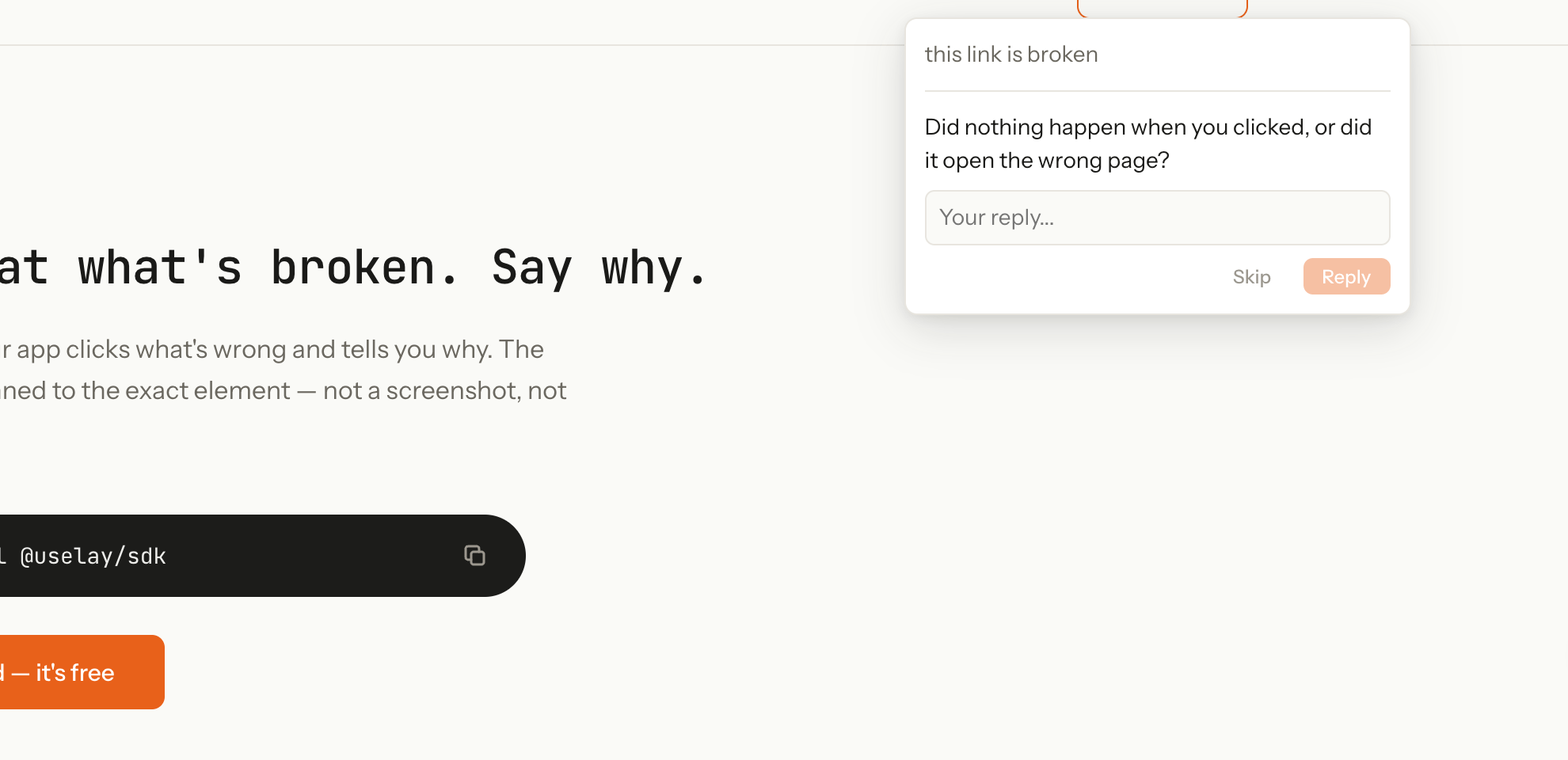
- Skip always wins.
- Answer or skip, then the widget closes.
Key flow
1 of 3
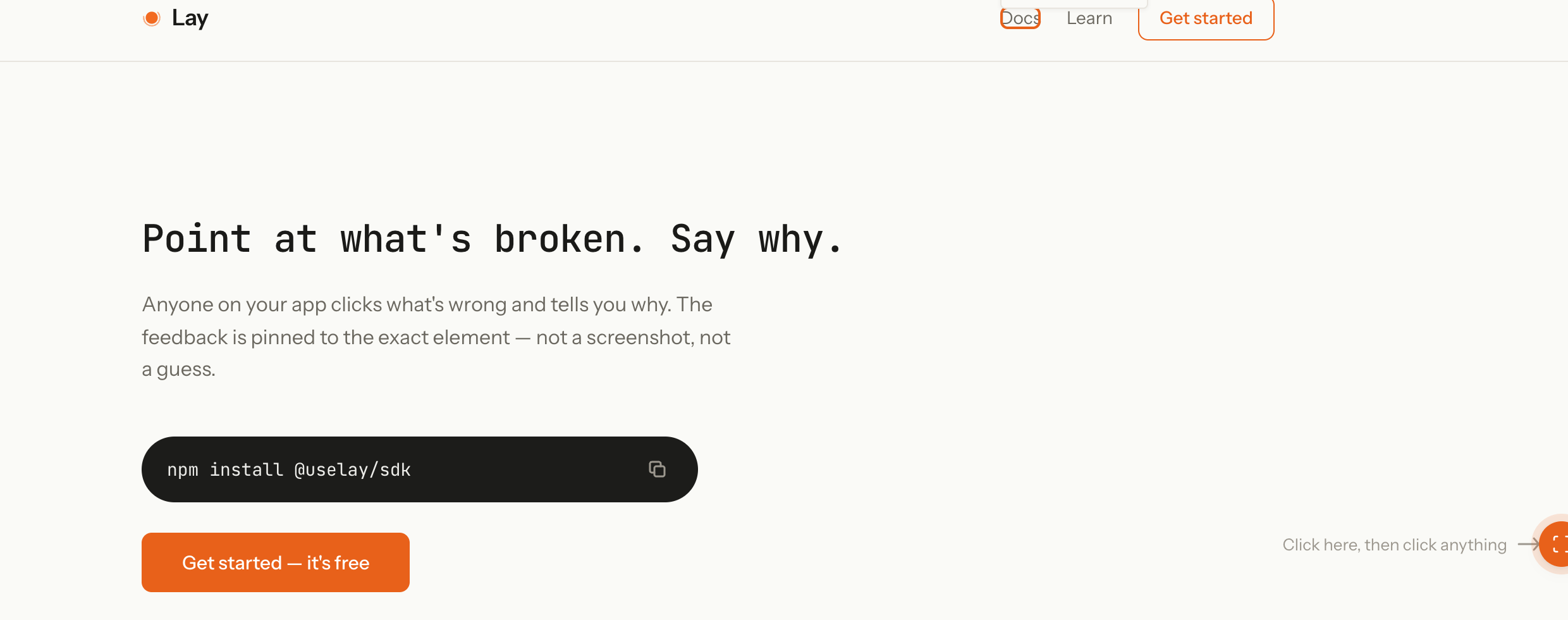
2 of 3
3 of 3
Before vs after
| Before | After |
|---|---|
| Open "tell us more" box after every comment | At most one follow-up question |
| Back-and-forth thread in the widget | Done after one answer or skip |
| Follow-up on every comment | Follow-up only when the answer would change what the team does |
Outcome
Shipped in the UseLay widget. Commenting stays quick. Teams get a clearer report when the follow-up runs.